
Guides, updates and server ideas for your next world.

Browse team-written articles for the games we host, from Minecraft Java seeds to survival server setup guides.

How to Monitor Your Server Performance Featured Minecraft Java

How to Monitor Your Server Performance

Posted on Apr 18, 2026 shiva

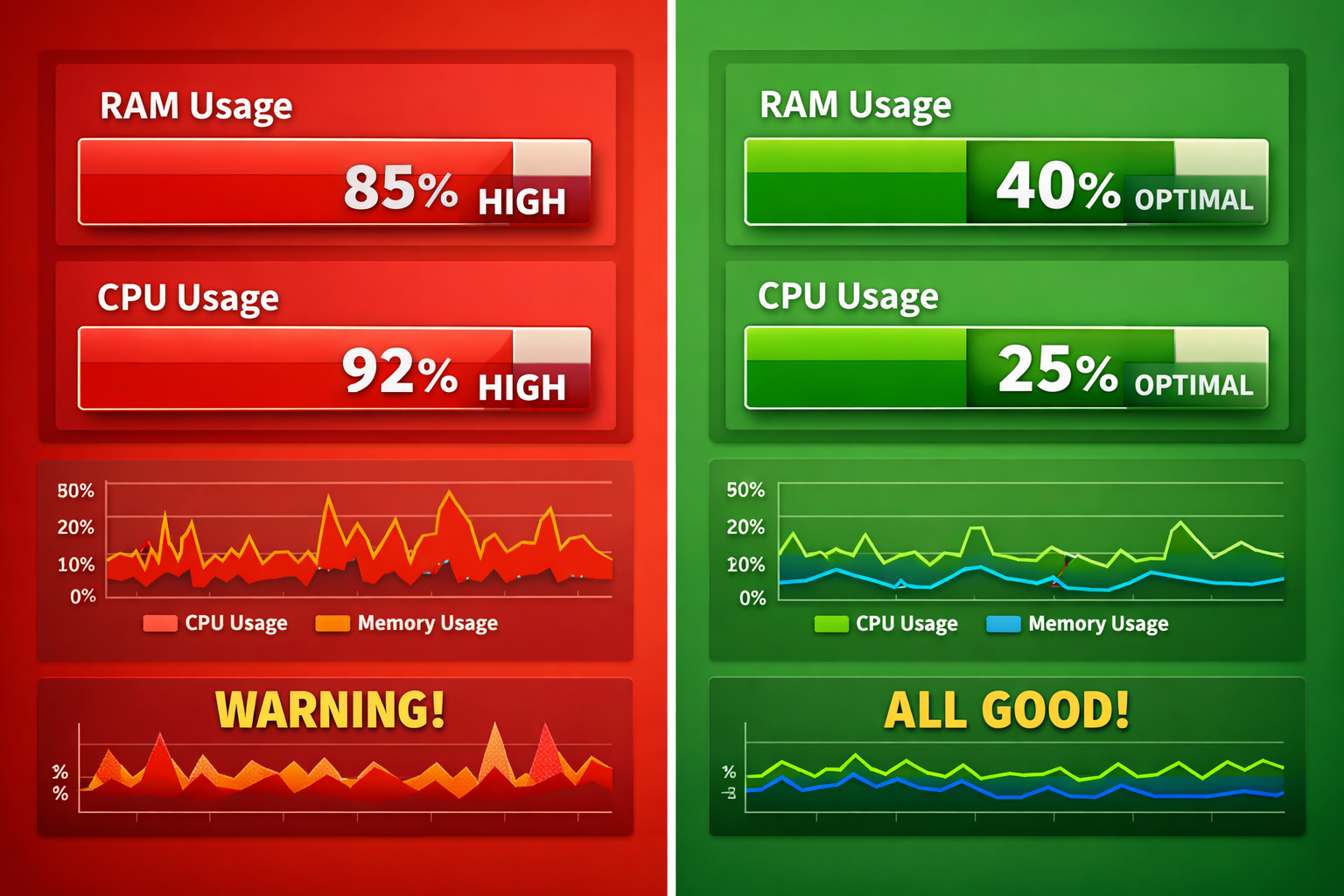
Monitoring your server performance is important to prevent lag and crashes. By regularly checking RAM usage, CPU load, TPS, player count, and console logs, you can quickly identify issues. Keeping plugins optimized and restarting the server regularly helps maintain smooth and stable performance.

How to fix Minecraft lag (complete Guide 2026) Minecraft Java

How to fix Minecraft lag (complete Guide 2026)

Apr 18, 2026 shiva

Minecraft server lag can be fixed by optimizing plugins, using enough RAM, and switching to lightweight software like Paper or Purpur. Reducing view distance, clearing mobs, and checking TPS also helps improve performance. Always choose a nearby server location and restart your server regularly for smoother gameplay.