
Introduction:
If your Minecraft server feels slow or starts lagging, the main issue is usually performance. Monitoring your server regularly helps you detect problems early and keep everything running smoothly.
1. Check RAM Usage
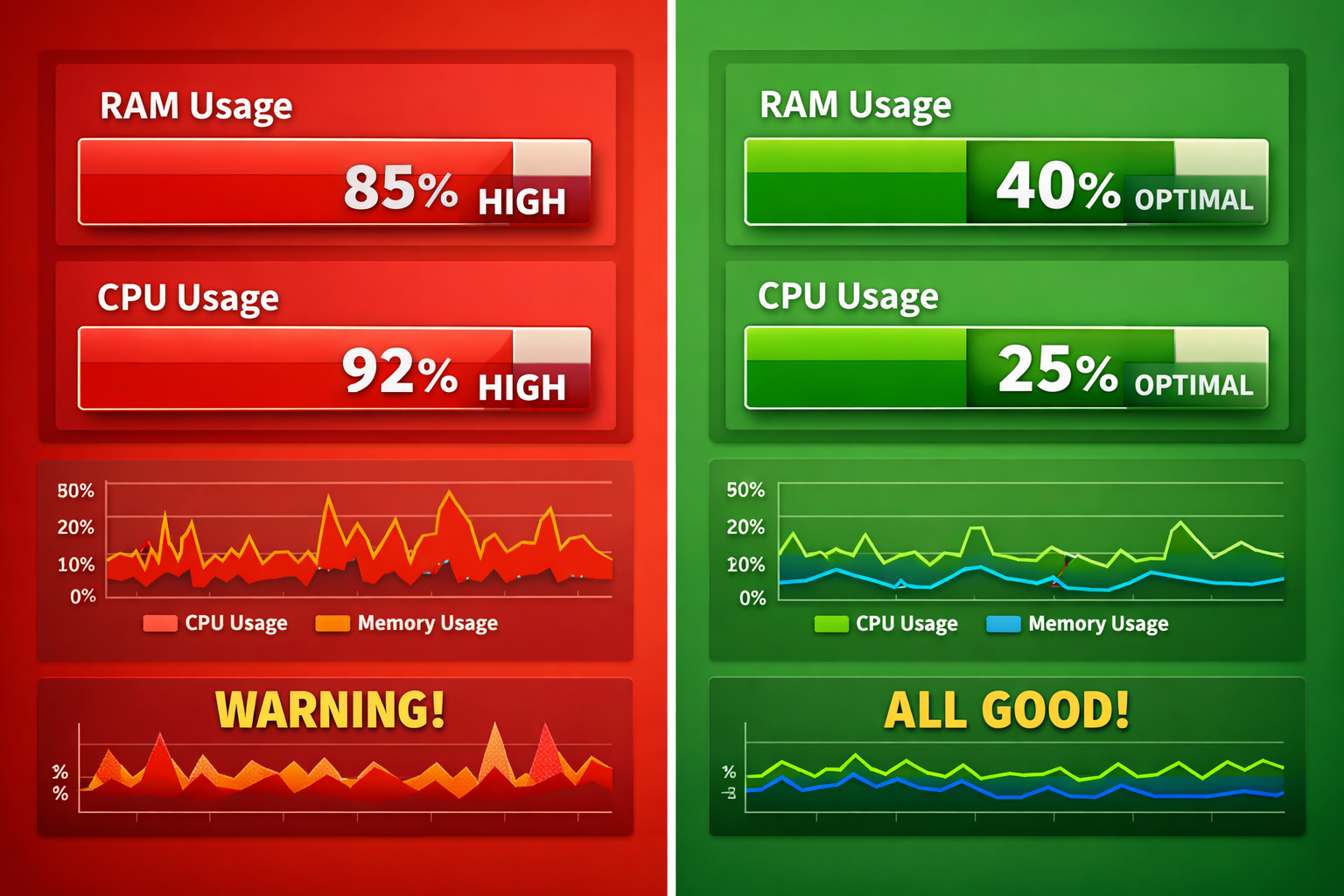
RAM is one of the most important resources for your server. If it gets full, your server may lag or crash.
Keep an eye on RAM usage in your hosting panel. If it is always high, consider optimizing or upgrading.
2. Monitor CPU Usage
CPU handles all the processing tasks of your server. If it stays near 90–100%, your server is under heavy load.
Too many plugins or players can cause this. Reduce unnecessary load when needed.
3. Check TPS (Ticks Per Second)
TPS shows how smoothly your server is running.
20 TPS means perfect performance. Below 15 TPS means lag starts.
You can check TPS using in-game commands.
4. Watch Player Count
Sometimes lag happens because too many players are online at once.
Monitor performance during peak times and adjust settings if needed.
5. Check Console Logs
Your server console shows errors and warnings.
Ignoring errors can lead to crashes later. Check logs regularly.
6. Analyze Plugin Performance
Some plugins use more resources than others.
Identify heavy plugins and remove or replace unnecessary ones.
7. Track Uptime and Restart Regularly
Running a server for too long can reduce performance over time.
Restart your server every few hours to clear memory and improve stability.
Conclusion:
Monitoring your server performance regularly helps prevent lag and crashes. By keeping track of RAM, CPU, TPS, and logs, you can provide a smooth experience for your players.
