24/7/365 Support
Get fast, human help whenever you need it. Our support team is here to keep your server running smoothly.

We provide variety of features from basic to advance at fraction of cost.
Get fast, human help whenever you need it. Our support team is here to keep your server running smoothly.
Deploy closer to your players with global locations designed to cut lag and improve connection quality.
Install popular modpacks and curated setups in just a few clicks instead of wasting time with manual configuration.
Every server is protected against common attacks, helping reduce downtime and keep communities online.
Share your server more easily with free, customizable subdomains that look cleaner than raw IP addresses.
Change your server to another supported game whenever you want without paying extra for the switch.
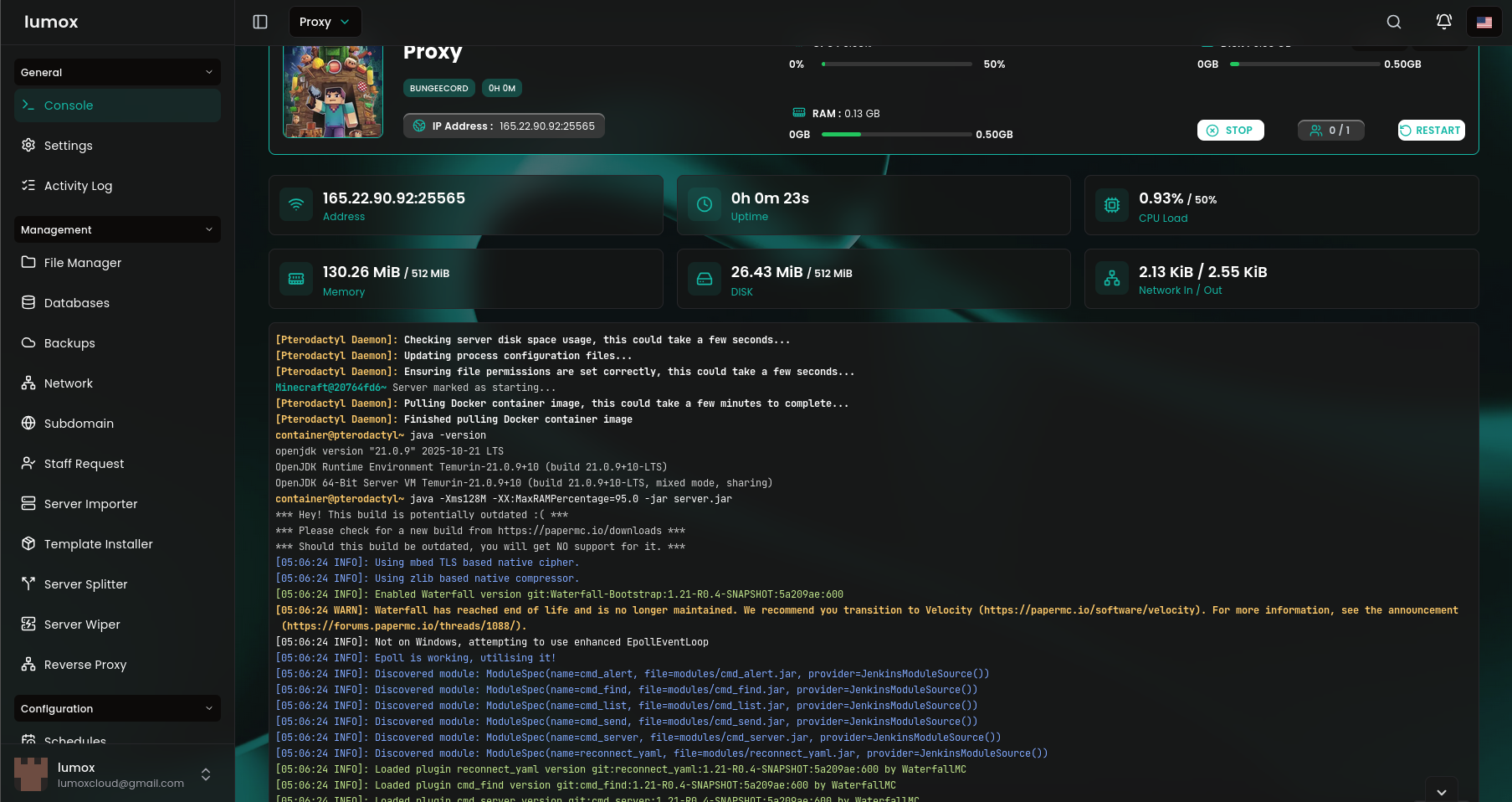
Powerful control panel with file manager, mod support, backups, and instant setup.
Upload your files seamlessly .
Change the gameconfigs with no hassle.
Modpacks, jars, installers, or version controls in one page.
Give users confidence with restore points, backup lists, and recovery tools.
Present fast deployment, startup settings, and beginner-friendly onboarding.
ZX Line is built for raw Ryzen performance. NX Line is tuned for dependable value. Pick your line, then match RAM to your player count, mods, and growth.
Have a question about your Minecraft server hosting? Want to know more about setup, plans, or performance? You can reach us anytime through live chat or by submitting a ticket.
Quick answers to the things people usually want to know before choosing a Minecraft server plan, with our Discord community right beside it.
NX Line is the better choice if you want reliable uptime and lower pricing. ZX Line is better when you want stronger single-core speed for heavier plugins, modpacks, and busier servers.
4 GB works well for smaller vanilla servers. 6 GB is the safest all-round pick for growing communities. 8 GB or more is a better fit for heavier modpacks, larger worlds, or longer-term growth.
We support popular server software like Paper, Fabric, and Forge-based setups. If you already know what you want to run, you can pick the plan that matches your RAM needs and upload or configure the rest from the panel.
That is usually the best way to start. Begin with a plan that fits your current player count, then upgrade once your world, plugin stack, or activity starts asking for more RAM or CPU headroom.
Support is available if you need help with setup, performance questions, or general guidance. The Discord widget here also gives people a quick way to join the community and ask questions faster.
Build your world your way. Choose how you play, explore new mechanics, and create unforgettable experiences with powerful server performance.



Check our live status page, recent uptime, and current incidents before you decide to host with us.
Review your selected plan before continuing to checkout.
Your selected plan will open on its own checkout link once you continue.